
[EN] Mobile-optimised email template
Optimal display on all devices
More and more recipients are opening their emails on mobile devices such as smartphones. As these devices have significantly smaller screens than desktop devices, campaigns need to be adapted accordingly. In particular, text, images and call-to-action elements should be clearly legible and attractively designed.
Responsive web design with a fluid layout
When optimising our templates for mobile, we use "media queries" – a CSS tool for adapting the layout to different screen sizes.
Instead of creating a separate version for every display size, we rely on a "fluid layout". This means the newsletter width automatically adjusts to the available space. Images, text and call-to-action elements make optimal use of the available space and remain easily readable on devices of varying sizes.
The structure of mobile-optimised templates
Multi-column content, which is displayed side by side in the desktop version, is arranged one below the other on mobile devices. This makes the email longer and can appear cluttered in the case of very complex layouts.
We therefore recommend:
- favour simple structures
- do not split important content across too many columns
- avoid complex layouts
Due to the single-column display in the mobile version, the order of individual content elements is altered. It is therefore particularly important, especially with multi-column elements, to ensure that the content is understandable in its own right.
When implementing a custom email template, special requests for the mobile display can also be taken into account.
Our tip: Place important information as high up as possible in the campaign. This ensures it is noticed more quickly and avoids the risk of it only appearing after clicking the "Read more" button in some email apps.
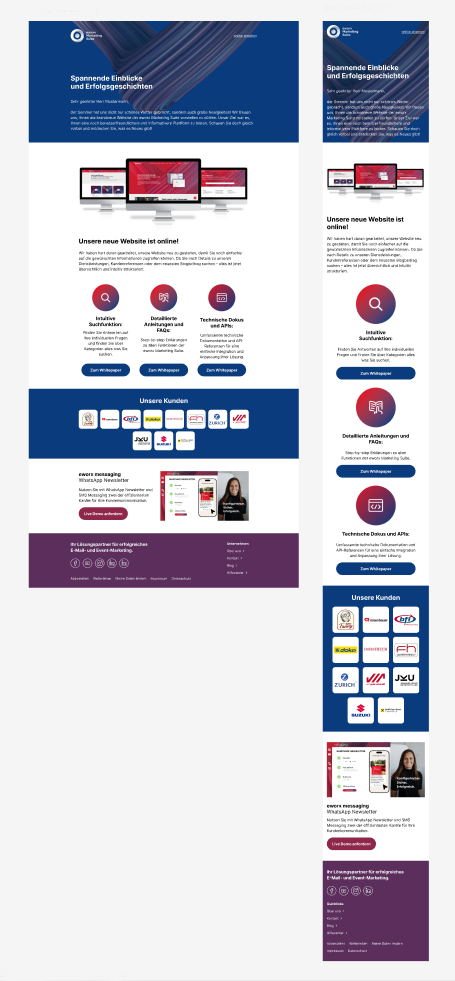
Comparison of desktop and mobile versions
Images
Images are adjusted to fit the available screen width. Large images are scaled down, whilst smaller images can be slightly enlarged to ensure they are clearly visible on mobile devices.
Special: Backgroundimages
There are several options for the mobile display of background images:
-
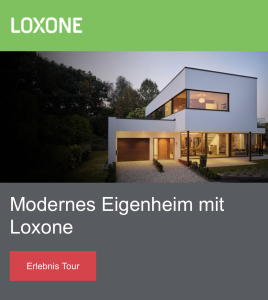
Text below the image:
Content that overlaps the image in the desktop version is placed below it in the mobile view. This allows the entire image to be shown to its best advantage. This method is particularly common in the header area.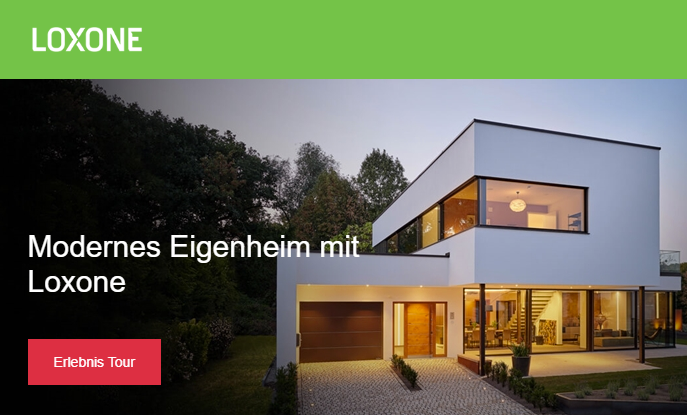
-
Text in the image:
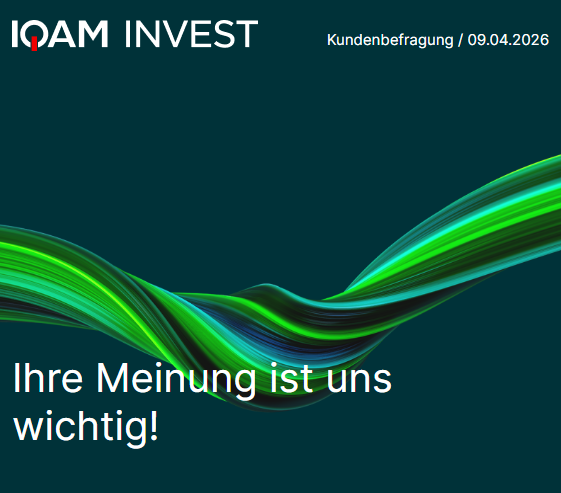
If the text remains on the image in the mobile view, you still need to define how the graphic behaves in the mobile version.-
The entire image is scaled down
The image size is recalculated to match the display width. The same applies to the text position. Due to the wide variety of screen sizes on mobile devices, the image may be cropped at the bottom. This option is most similar to the desktop version.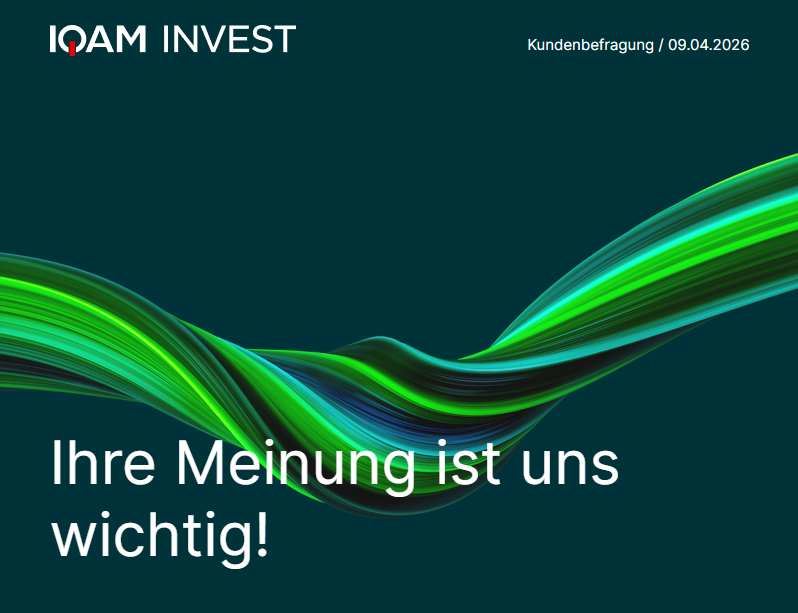
-
Image crop with fixed height
The height of the background image remains the same. However, as the screen width decreases, only a section of the original image is displayed. The visible area can be defined in the settings using the "focus point" (left, centre, right).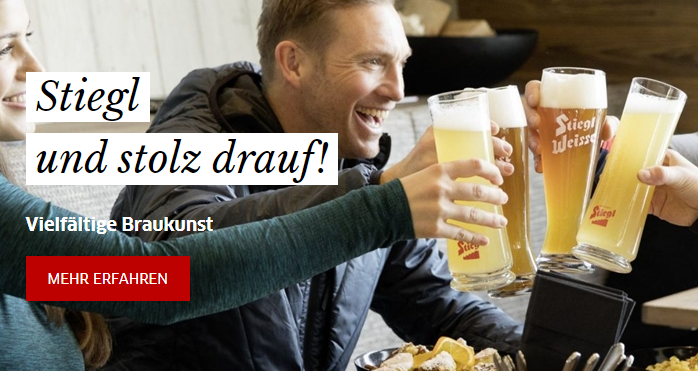

-
Call-to-action elements
Clickable areas for the user – links, buttons and linked images – should have a minimum height of 50 pixels. The width depends on the length of the text. This ensures that they can be easily tapped with the fingers on touchscreens.
A current trend is for buttons in the mobile version to be spread across the entire available width. This makes them easy to click with either the right or left hand.
Reality Check
Most modern email clients support media queries and thus responsive web design. However, Outlook Classic for Windows and certain webmail and mobile clients offer only limited support.
Our template experts rely on solutions that are supported by as many email clients as possible. Nevertheless, depending on the email client used, the mobile display may differ from the original design. The aim is to ensure your newsletter is functional, easy to read and visually appealing on all supported devices.
Updated 2 months ago